
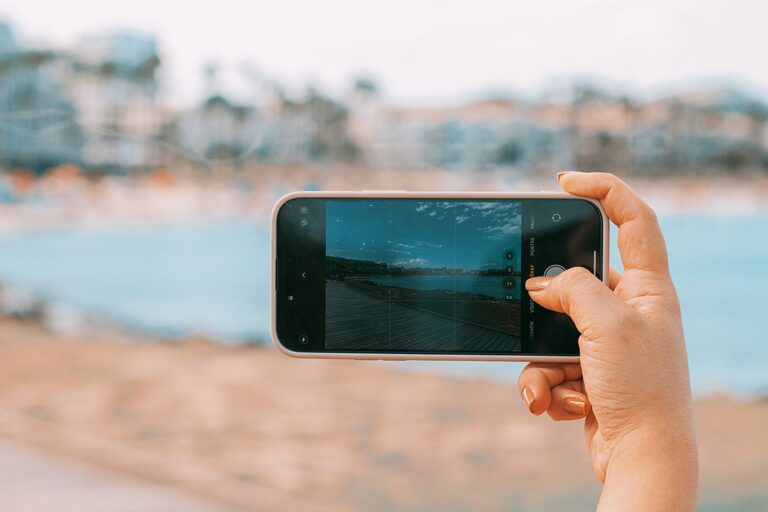
Taking great photos with your phone is easier than you might think. With the right techniques and a bit of practice, you can transform ordinary snapshots into eye-catching images. Whether you’re capturing a sunset, a busy street, or a simple selfie, these beginner tips will help you take better phone photos and make the most of your mobile camera.
Understanding Your Phone Camera
Before diving into shooting, it helps to get familiar with your phone’s camera features.
Explore Camera Settings
Most smartphones offer different shooting modes like portrait, panorama, and night mode. Experiment with these to see how they affect your photos. Also, learn how to adjust exposure and focus manually for clearer images.
Use the Highest Resolution
Check your camera settings and set the resolution to the highest quality available. Higher resolution photos have more detail and are better for cropping or printing later.
Basic Composition Tips
Good composition makes your photos more engaging and visually appealing.
Rule of Thirds
Imagine your screen divided into a 3×3 grid. Place your subject along these lines or at their intersections. This simple trick helps create balanced and interesting photos.
Fill the Frame
Get closer or zoom in (if your phone has an optical zoom) to fill the frame with your subject. Avoid too much empty space unless it adds to the story.
Find Leading Lines
Look for natural lines in your environment, like roads, fences, or bridges, that lead the viewer’s eye into the photo. This adds depth and interest.
Keep the Horizon Straight
If you’re shooting landscapes or cityscapes, keep the horizon level so your photo feels balanced. Many phone cameras have a grid or level tool to help with this.
Lighting Conditions
Lighting plays a crucial role in photography.
Use Natural Light
Whenever possible, shoot in natural light. The soft light during early morning or late afternoon (golden hour) creates warm, flattering images.
Avoid Harsh Midday Sun
Strong midday sun can create harsh shadows and highlights. If you must shoot at this time, look for shaded areas or use the shadow creatively for dramatic effects.
Experiment with Backlighting
Try shooting with the light source behind your subject to create silhouettes or interesting effects. You can adjust exposure to balance the light.
Use Your Phone’s Flash Sparingly
Phone flash can often make photos look flat or unnatural. Instead, try to find alternative light sources or use reflective surfaces to brighten your subject.
Steady Shots and Focus
Blurry photos are a common problem but easy to fix with these tips.
Hold Your Phone Steady
Use both hands and keep your elbows close to your body for stability. You can also rest your phone on a solid surface or use a tripod designed for smartphones.
Tap to Focus
Tap the screen where you want the camera to focus. This ensures your subject is sharp and well-exposed.
Use Burst Mode for Action Shots
If you’re capturing moving subjects, hold down the shutter button to take multiple photos quickly. This increases your chance of getting a clear shot.
Editing Basics
Editing can enhance your phone photos, but keep it simple.
Use Built-In Editing Tools
Most phones have basic editing features like cropping, adjusting brightness, contrast, and saturation. These tools help improve your photos without overwhelming them.
Try Free Editing Apps
Apps like Snapseed, VSCO, or Lightroom Mobile offer more advanced options like filters, selective adjustments, and sharpening.
Don’t Overdo It
Aim for natural-looking edits. Avoid heavy filters or extreme changes that make your photo look artificial.
Practical Tips for Different Types of Photos
Portraits
– Use portrait mode if your phone has it for a blurred background effect.
– Position your subject near a light source for flattering skin tones.
– Encourage natural expressions by chatting or making your subject comfortable.
Landscapes
– Use a wide-angle lens if available to capture more scenery.
– Include foreground elements to add depth.
– Shoot during golden hour for the best colors.
Close-Ups
– Get close to your subject and use macro mode if your phone has one.
– Focus carefully on details like textures or patterns.
– Keep the background simple to avoid distractions.
Backup and Share Your Photos
Don’t forget to save and share your work.
Use Cloud Storage
Apps like Google Photos or iCloud automatically back up your images, keeping them safe and accessible.
Share Thoughtfully
Consider the platform and audience when sharing photos online. Different platforms may require different image sizes or styles.
—
By practicing these beginner tips, you’ll quickly see improvement in your phone photography skills. Remember, the best camera is the one you have with you, and with your phone always at hand, you’re ready to capture life’s moments beautifully. Happy shooting!
About the Author